 SellerHint
Stored on your Mac
- Product records and every edit you make
- Managed images and per-store image order
- Preferences, drafts and listing templates
- Cost, notes, storage location and other seller-only fields
- Cached marketplace information
Products, listings, orders, inventory, marketing, schedules and buyer messages for every eBay store you run — in one native Mac app, with your data on your Mac and the next thing needing attention in plain sight.
Available on
Mac · macOS 15.0 or later
SellerHint for Mac is a Mac-only application. There is no iPhone or iPad version. SellerHint Web is a separate browser-based product.
Product records, images, drafts and seller-only notes are stored locally. Marketplace work still needs a connection — this is local-first, not offline.
Editing writes to your Mac and changes nothing on eBay. Sending supported changes is a separate, deliberate action with results reported back to you.
Listing values, images, policies, orders, messages and campaigns stay attached to the store they belong to. Nothing is copied between stores automatically.
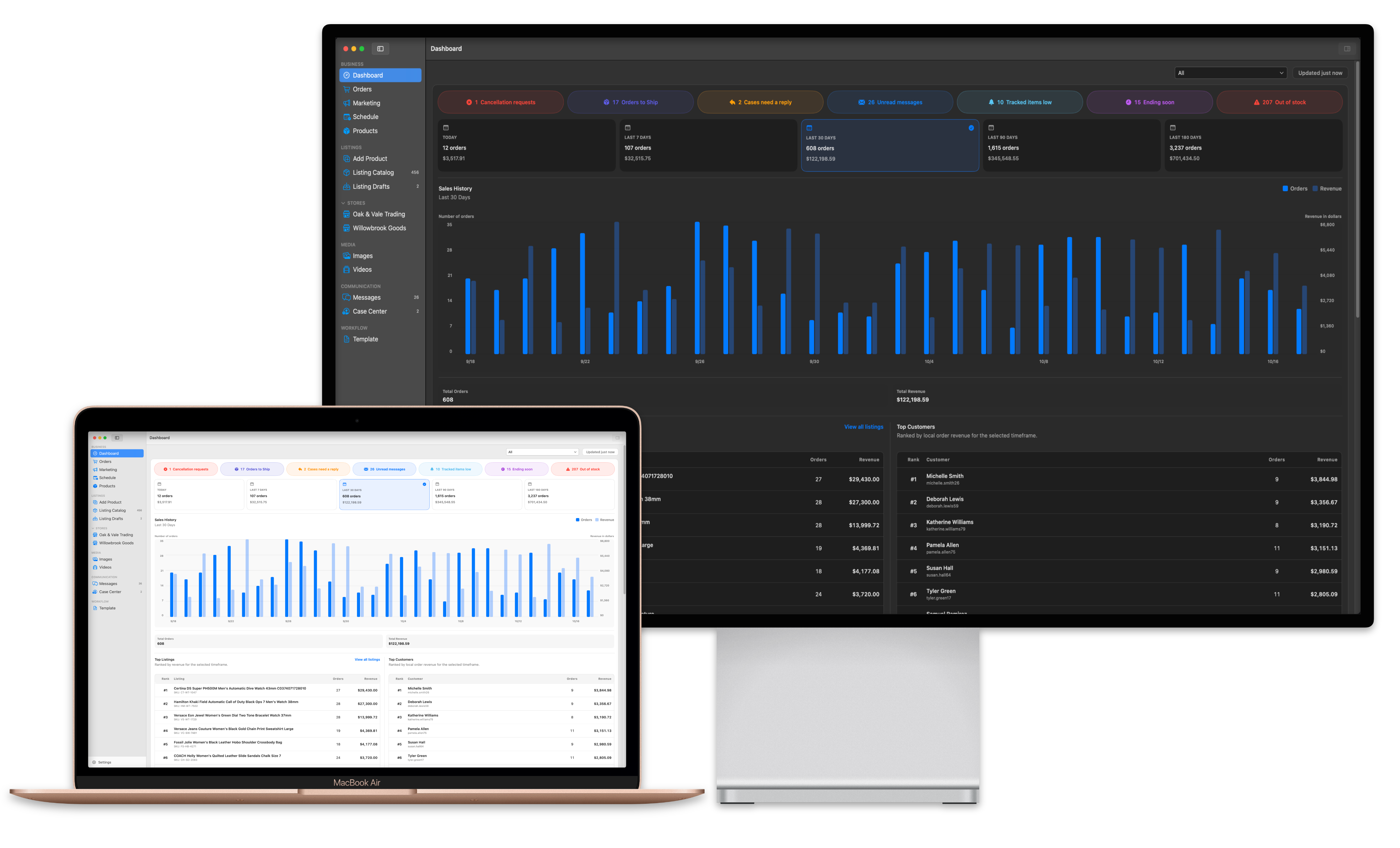
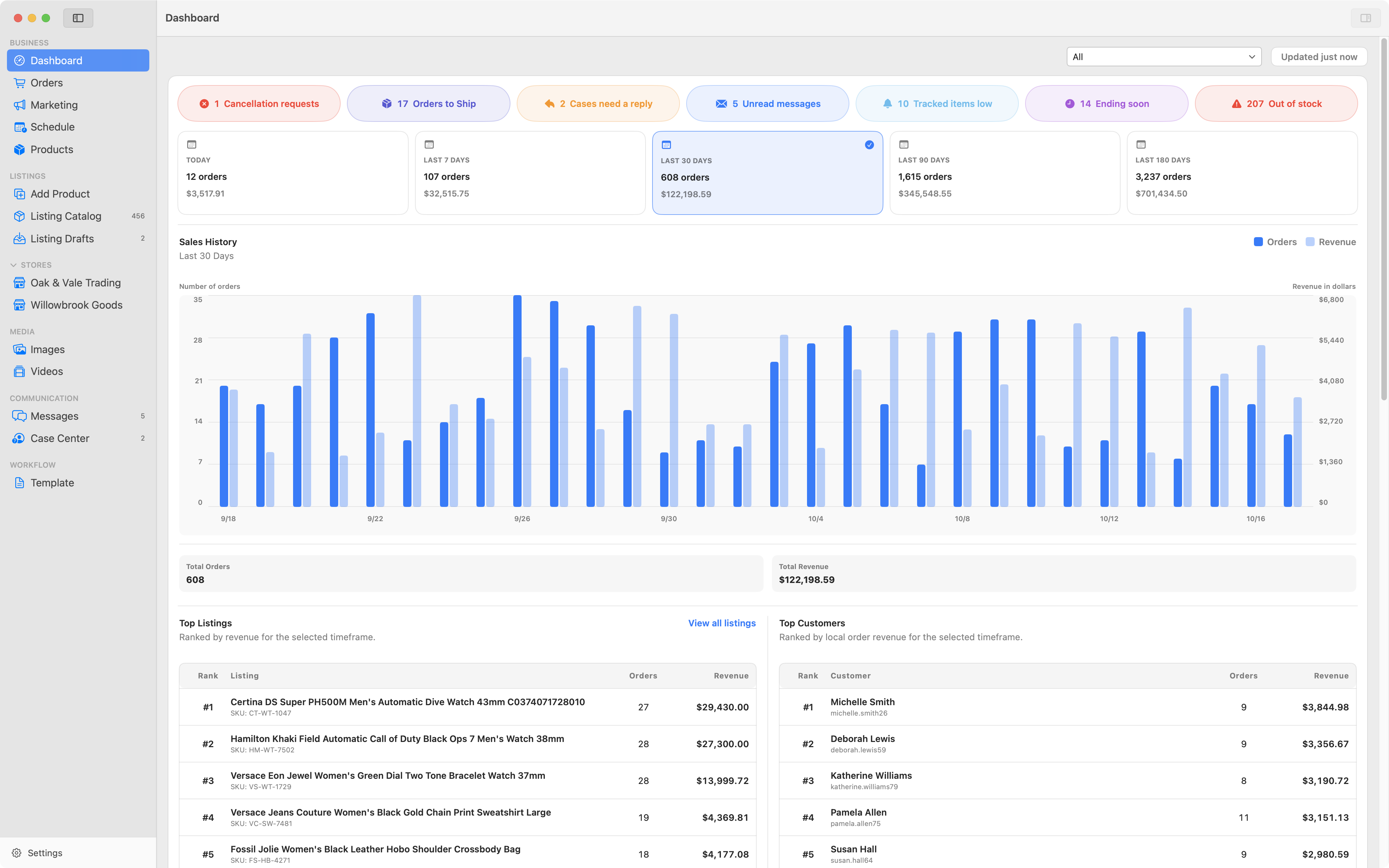
Sales history, total orders, revenue and top listings over today, 7, 30, 90 or 180 days — then, underneath, the part most dashboards leave out. Out of Stock Listings gathers everything sitting at zero. Stalest Listings ranks by eBay start date, surfacing products that have been up far longer than they should without moving.
Track Inventory is the one to know about. Rather than reporting stock you have already run out of, it watches the SKUs you nominated and shows them when they reach the alert quantity you set — with the listing, the store, the current quantity and your threshold side by side. Out of stock is a report on a sale you already lost; this is the part before that.
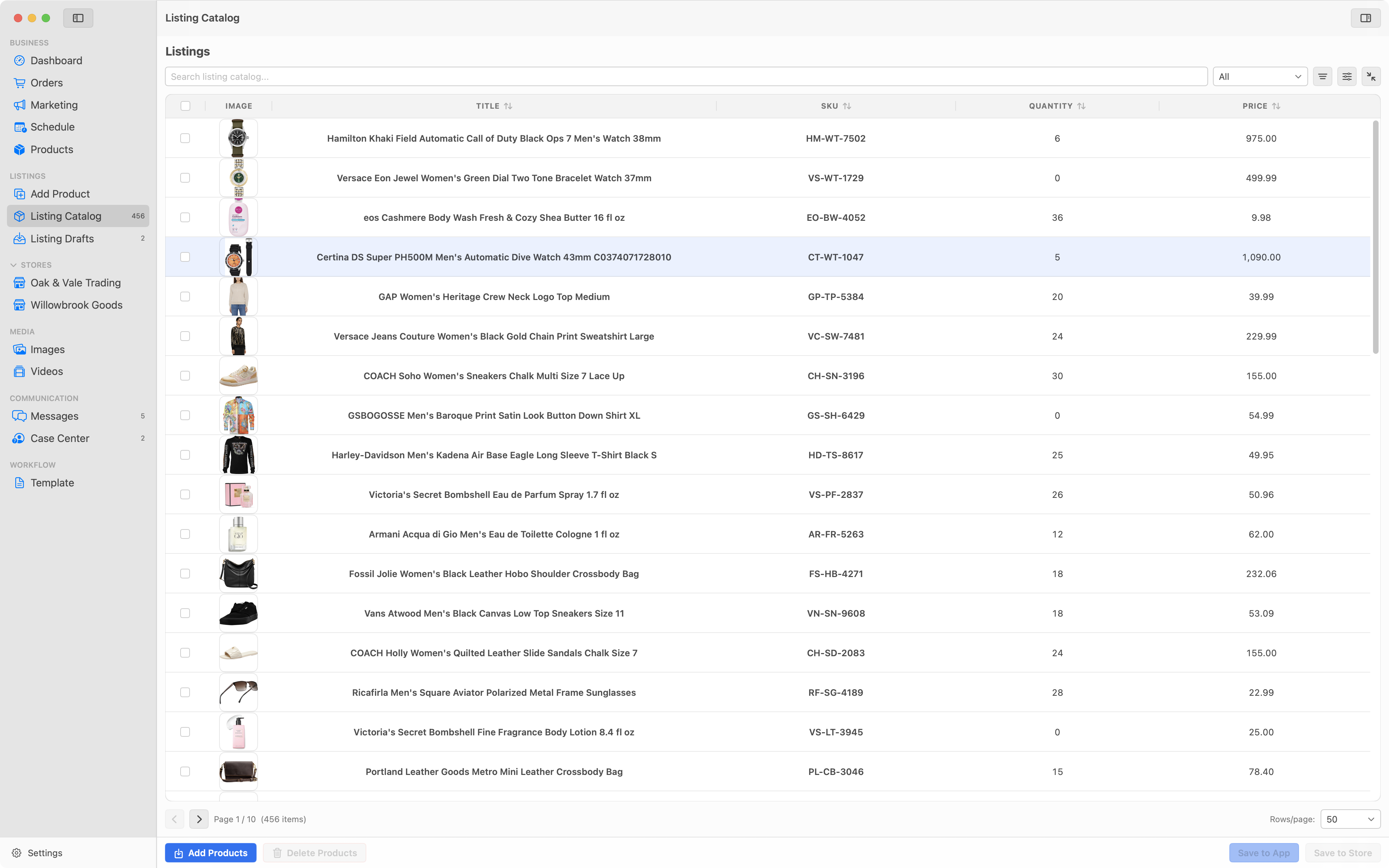
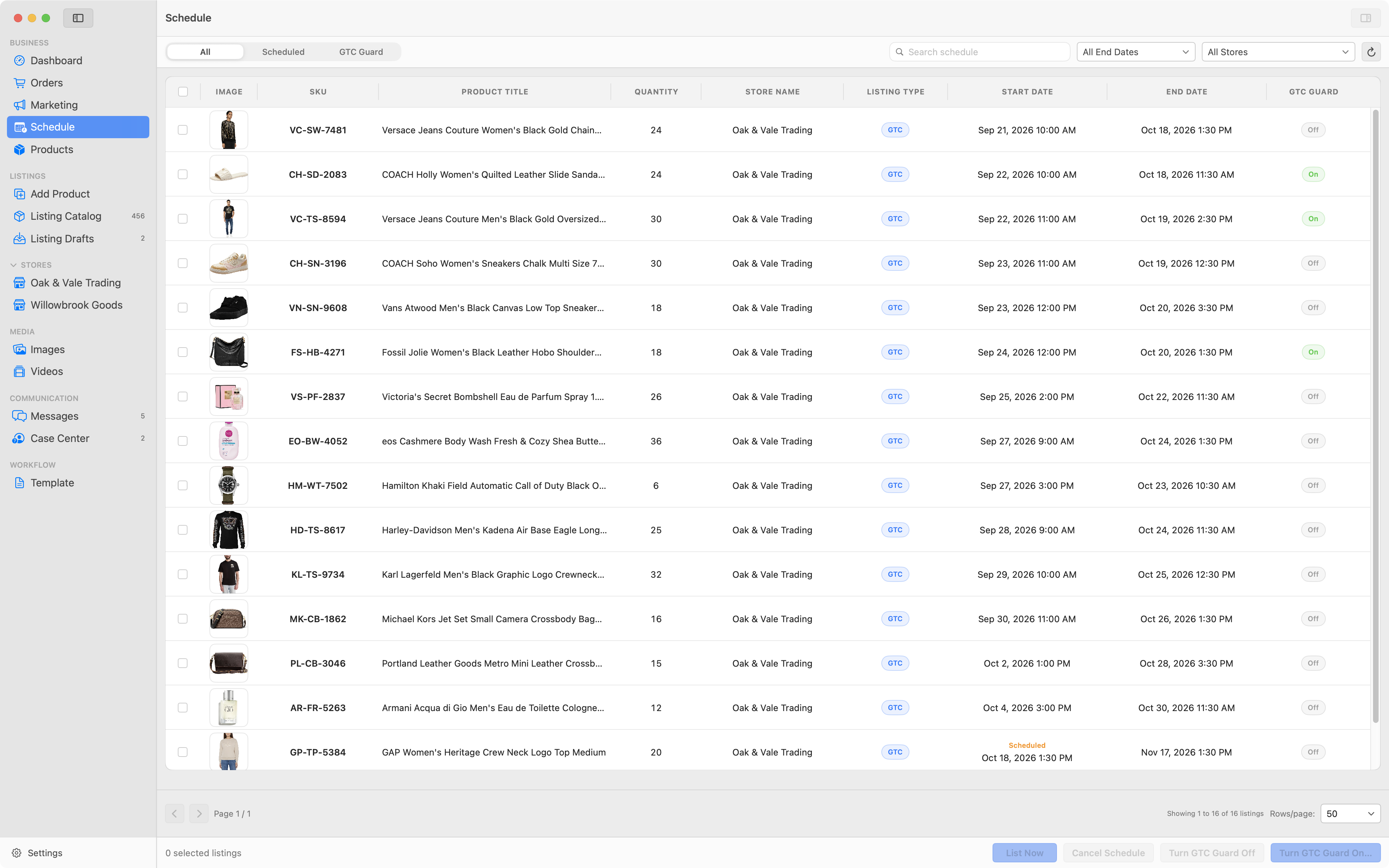
Search, filter, sort and page through your product records, with the columns you care about and a compact or extended row layout. Import from CSV, bring in your existing eBay listings, and keep images managed alongside each product.
Duplicate SKUs are valid here. Local changes are tied to the record itself, not to the SKU text, so repeated codes never cause two products to be silently merged.
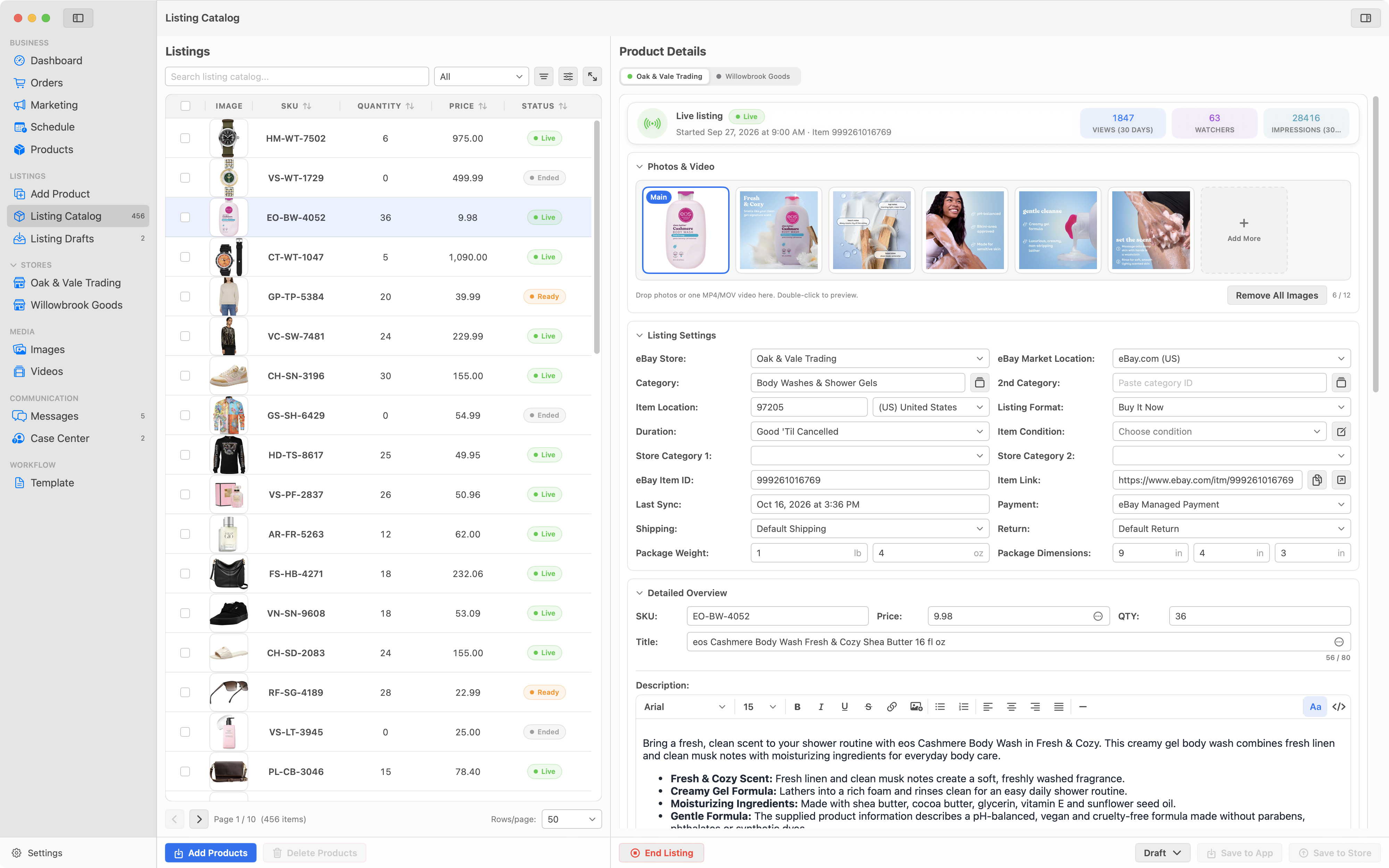
Store tabs let a single product carry a different price, title, policy set or image order per connected store. Overview fields, item specifics, variations, disclosures, cost, notes and storage location all live on the same record.
Products linked to a live listing are protected from deletion, so tidying your catalog can't detach something that is still selling.
Inventory Sync compares quantity across your stores and applies only the changes you approve, after showing you a preview. It is deliberately quantity-focused: titles, prices and descriptions are left alone.
Duplicate SKUs and ambiguous matches surface as conflicts for you to resolve, and every run reports its result per listing, including partial failures.
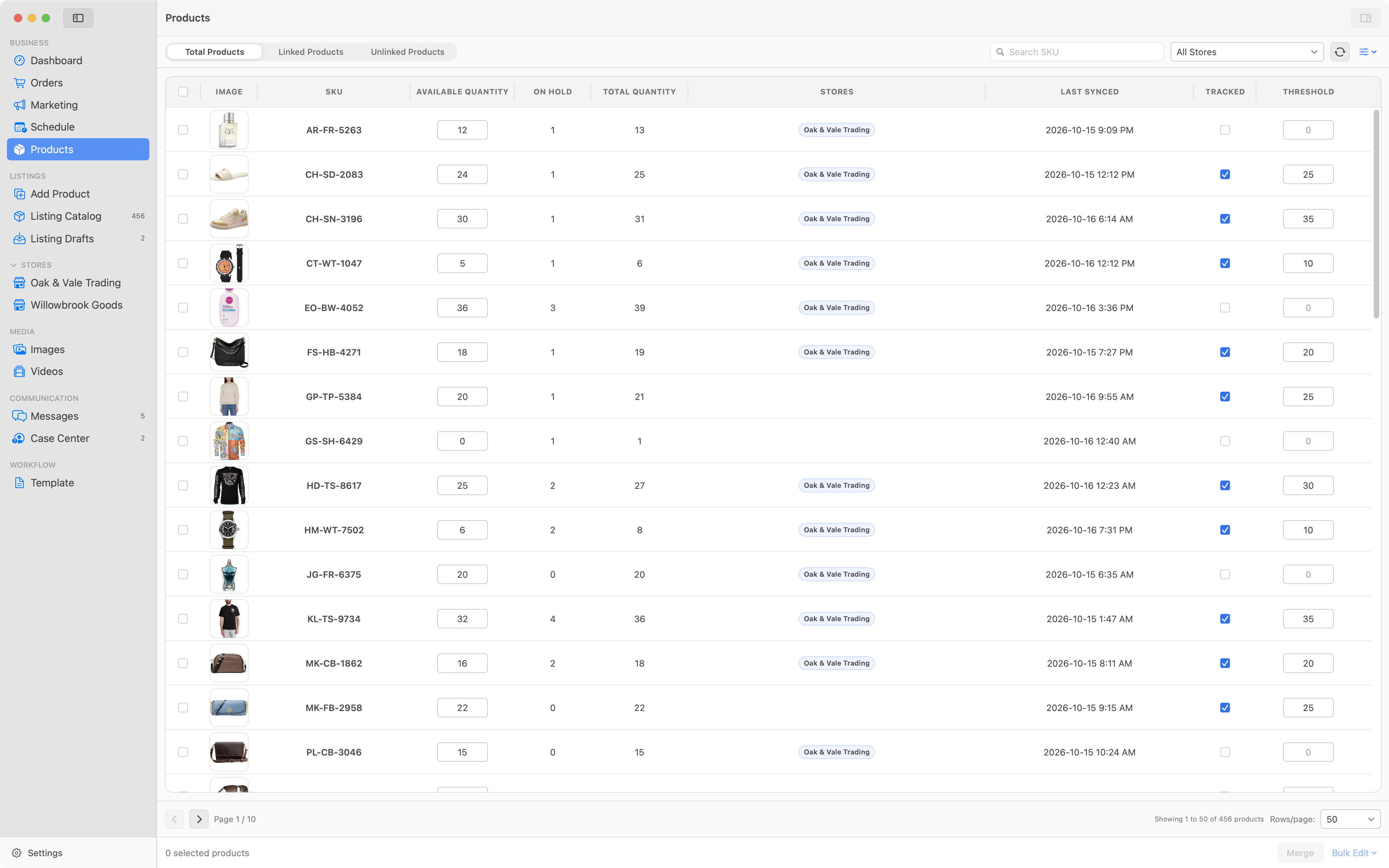
Order status, payment status, fulfilment status, shipment status and delivery information are kept as separate values rather than collapsed into one label — which is where fulfilment mistakes usually start.
Filter by store, print invoices and packing slips, and jump to the order on eBay for the actions that belong there.
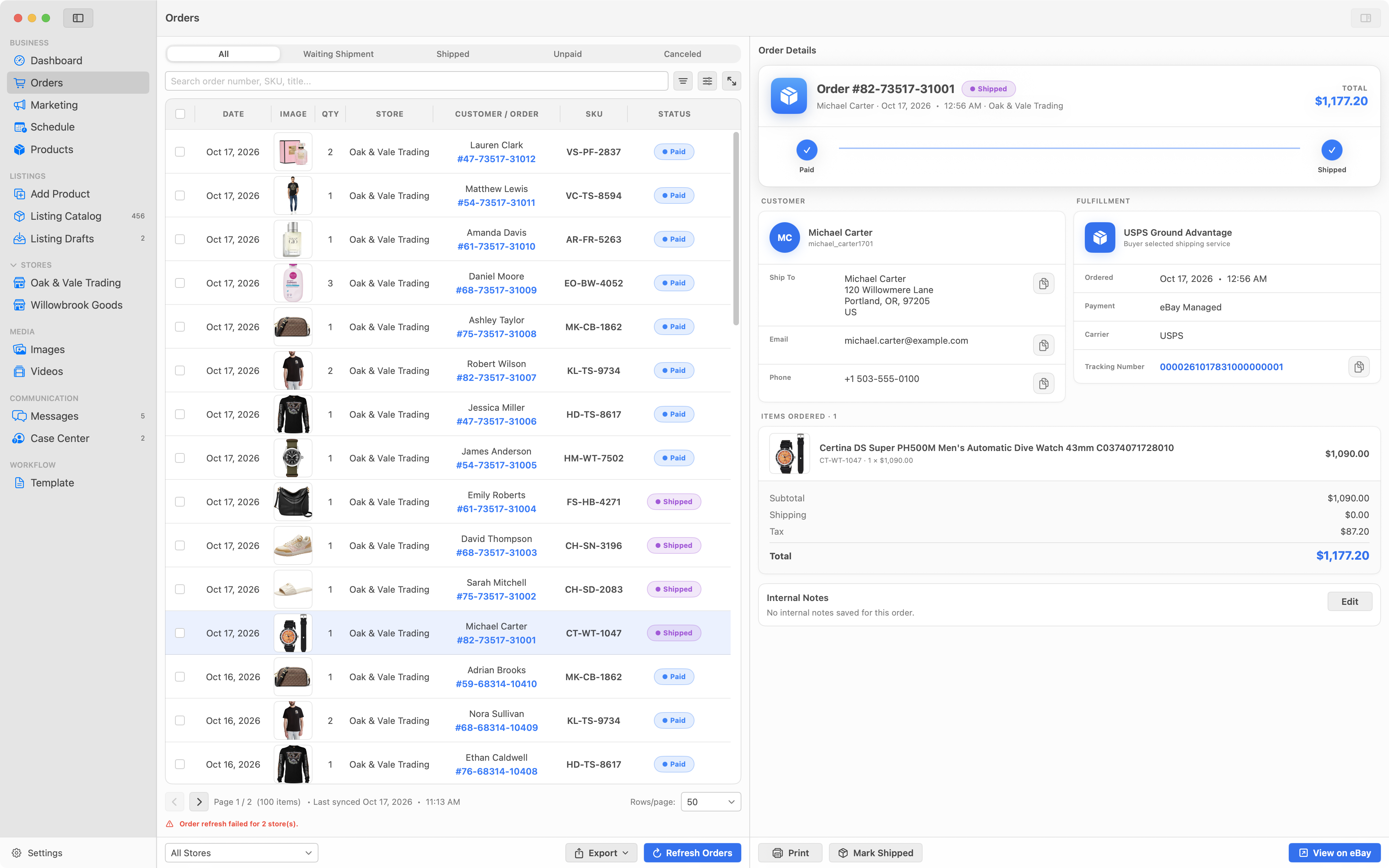
Read and reply to buyer messages across multiple stores from one workspace. Follow conversations in Inbox, Sent and Member views, or filter by store to focus on one account. Each conversation stays attached to the store it belongs to.
Case Center brings return requests and Item Not Received cases from your stores into one place. Message the buyer, accept an eligible return or issue a refund, with confirmation before financial actions. Escalating, declining a return and closing a case still happen on eBay.
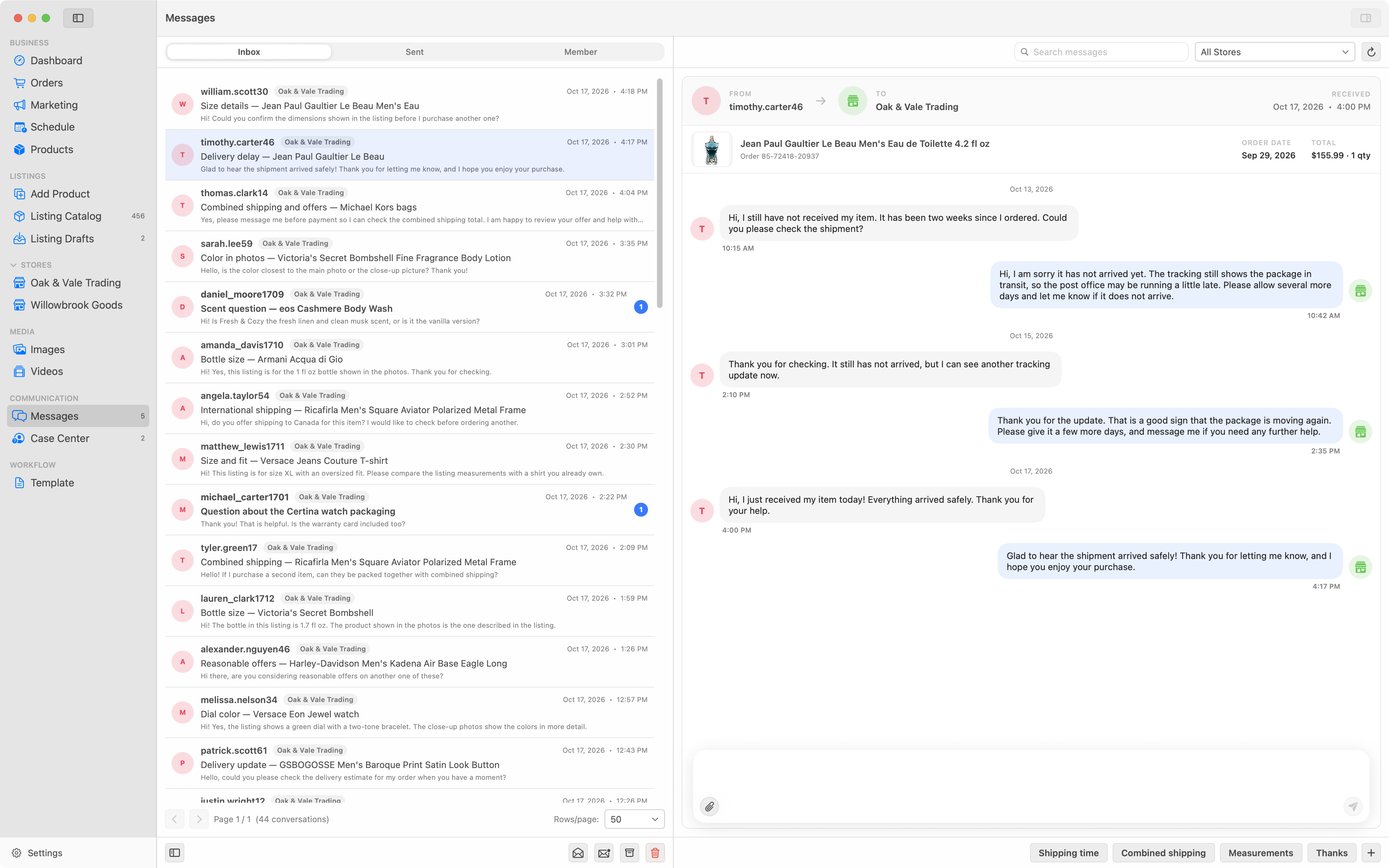
See listings scheduled to go live, what is due next and live listings ending soon in one Schedule view. Review start and end dates, quantities and stores together, or filter by store to plan the next batch.
Enable GTC Guard for selected listings to automatically end them after your chosen period without a sale and relist them after the delay you set. SellerHint must be running and connected for these checks and actions, and eBay's listing rules still apply.
Stated precisely, because the phrase gets used loosely.
It means product records, images, preferences, drafts and cached marketplace information are stored primarily on your Mac rather than on a server.
It does not mean SellerHint is offline or cloud-free. eBay authentication, marketplace reads and marketplace writes need an internet connection, and some functions depend on SellerHint services being available.
In SellerHint storage on your Mac. That includes your product records, managed images, preferences, drafts and cached marketplace information.
For local work, no. You can create and edit product records, organise images, prepare drafts and use templates without a connection.
A connection is required to authorise a store, refresh marketplace information, send supported changes to eBay, and use any function that depends on SellerHint services.
Your product catalog, managed images, preferences, drafts, templates and cached marketplace information are stored locally.
Information necessarily leaves your Mac when you authorise a store, read from eBay, or send a change to eBay. SellerHint does not claim that no data ever leaves your Mac.
Use the backup tools in Settings under Data and Support, and keep a copy somewhere other than the Mac holding the original. Take a backup before every upgrade and before using any reset tool.
Because SellerHint for Mac is local-first, backups are your responsibility.
Your local SellerHint data lives on the old machine, so move it with a backup and restore rather than expecting it to appear automatically on the new one.
The purchase itself follows your Apple Account: install from the App Store on the new Mac while signed in to the same Apple Account and restore purchases. There is no licence key to transfer.